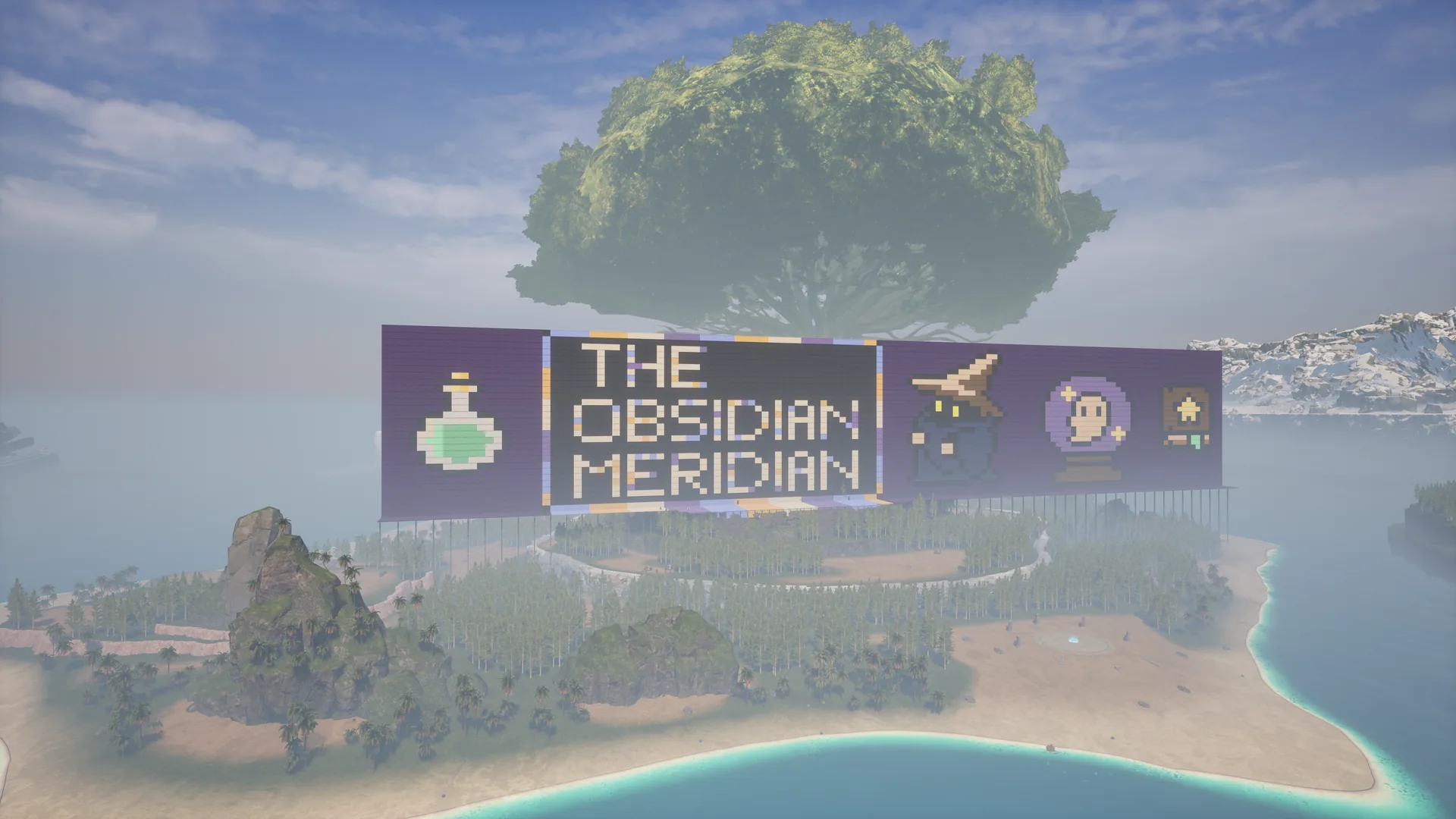
Palworld Build · Python Grid Project
The Obsidian Meridian
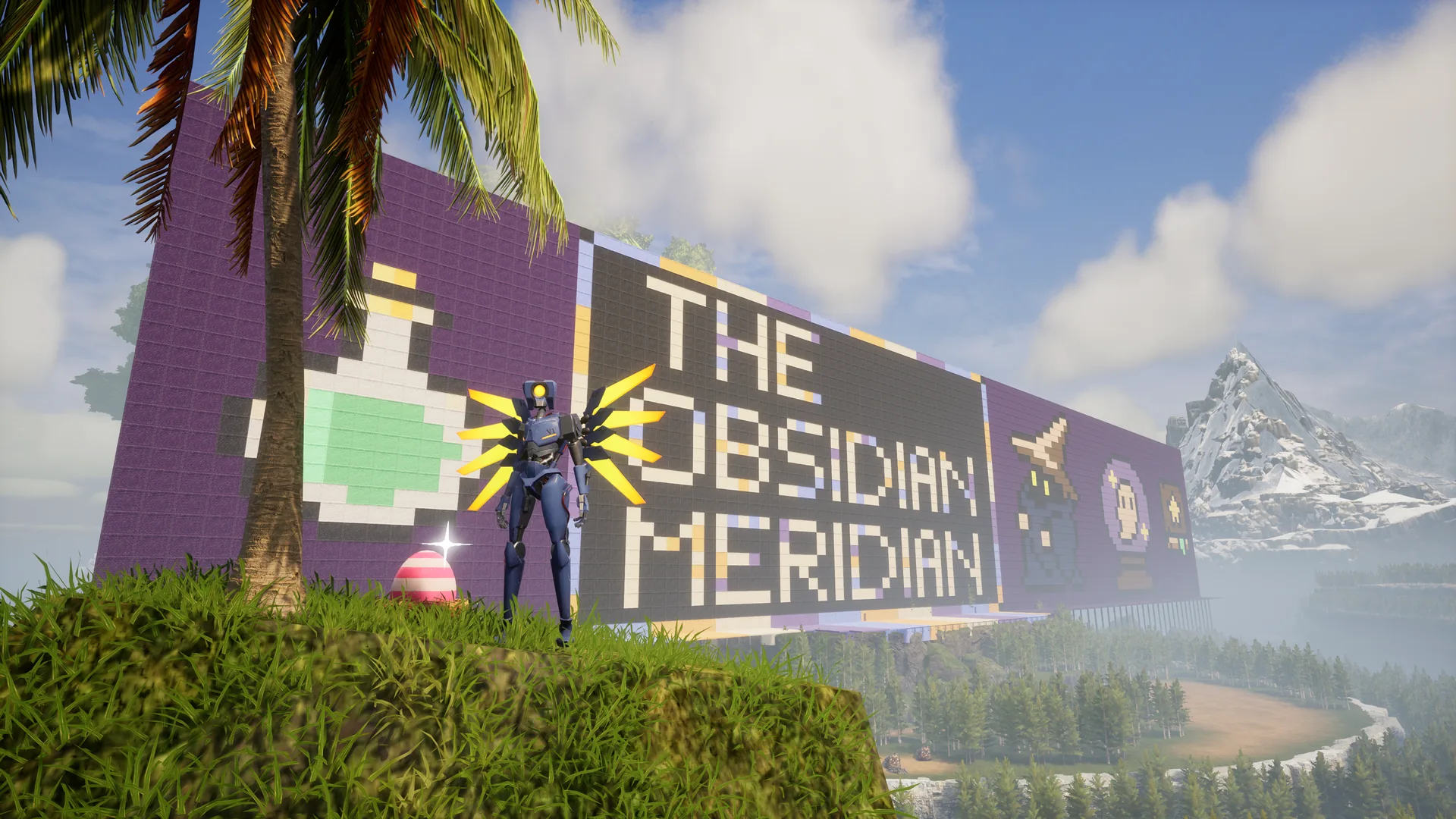
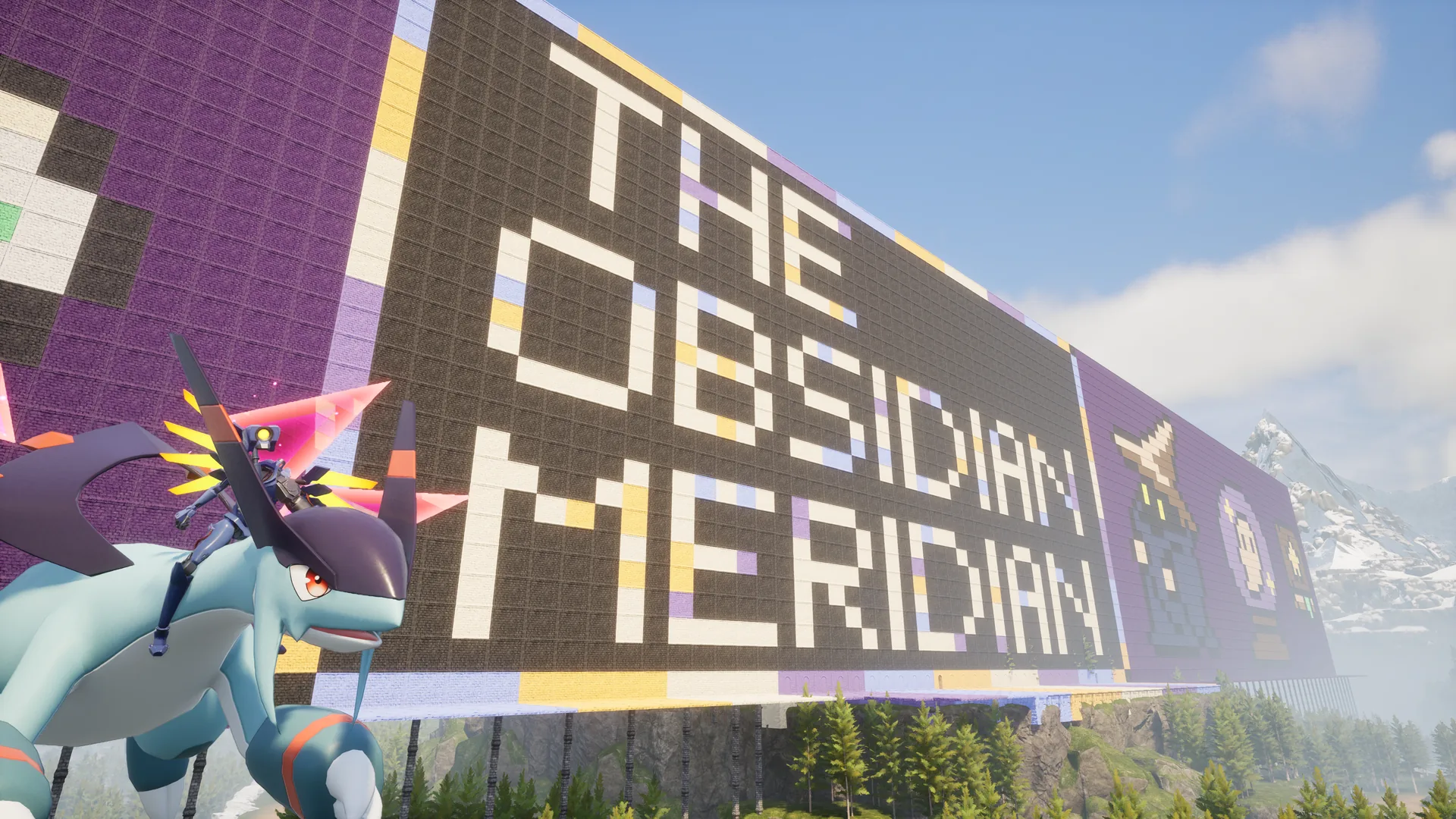
A massive Palworld mural built on Forgotten Island using painted wall pieces, a spreadsheet-style blueprint, and a Python grid to keep the text from turning into a disaster.
- Location
- Forgotten Island
- Coordinates
- -449, -44
- Full mural
- 134×29 blocks
- Title panel
- 49×29 blocks
What Sparked It
Walls as pixels
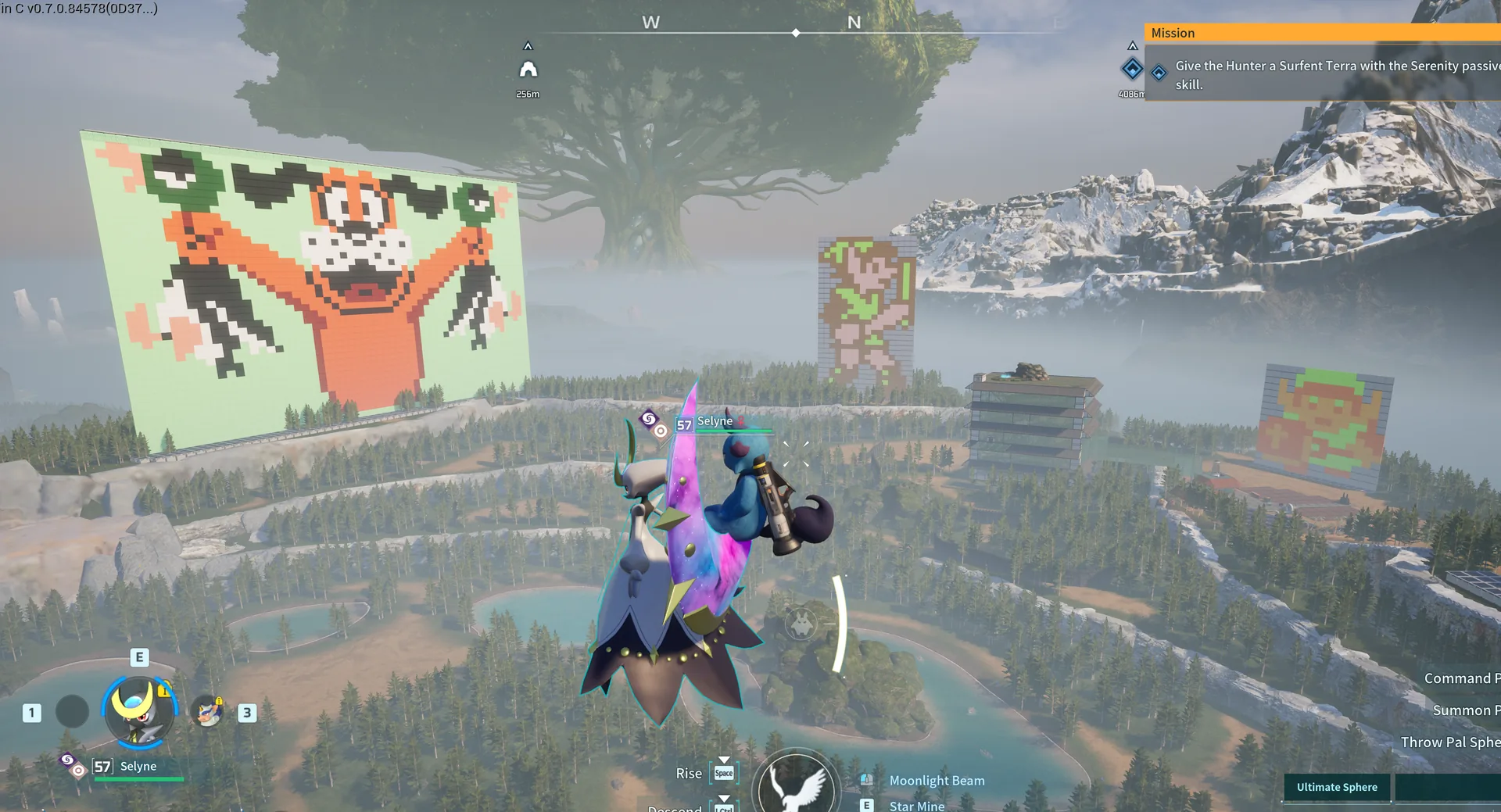
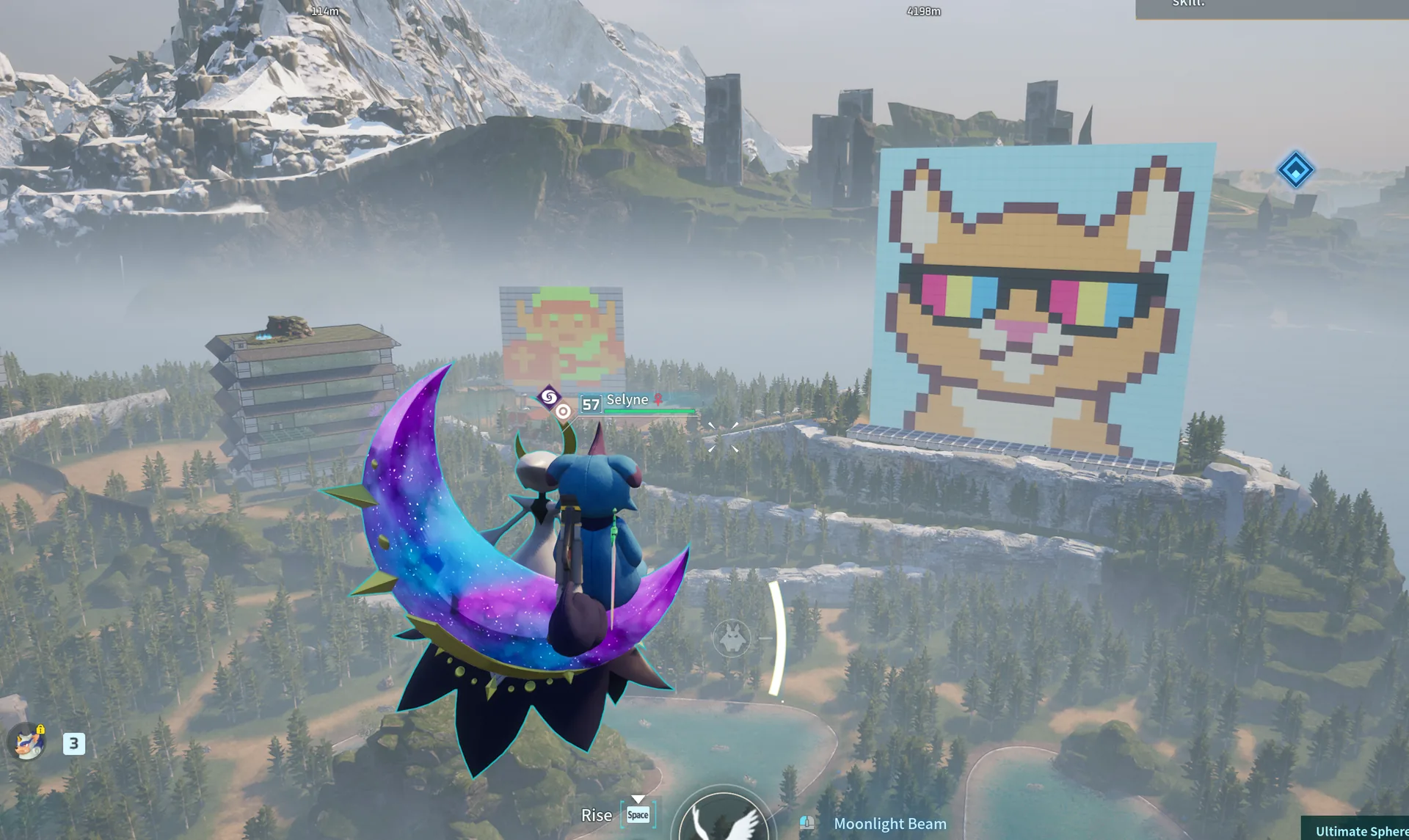
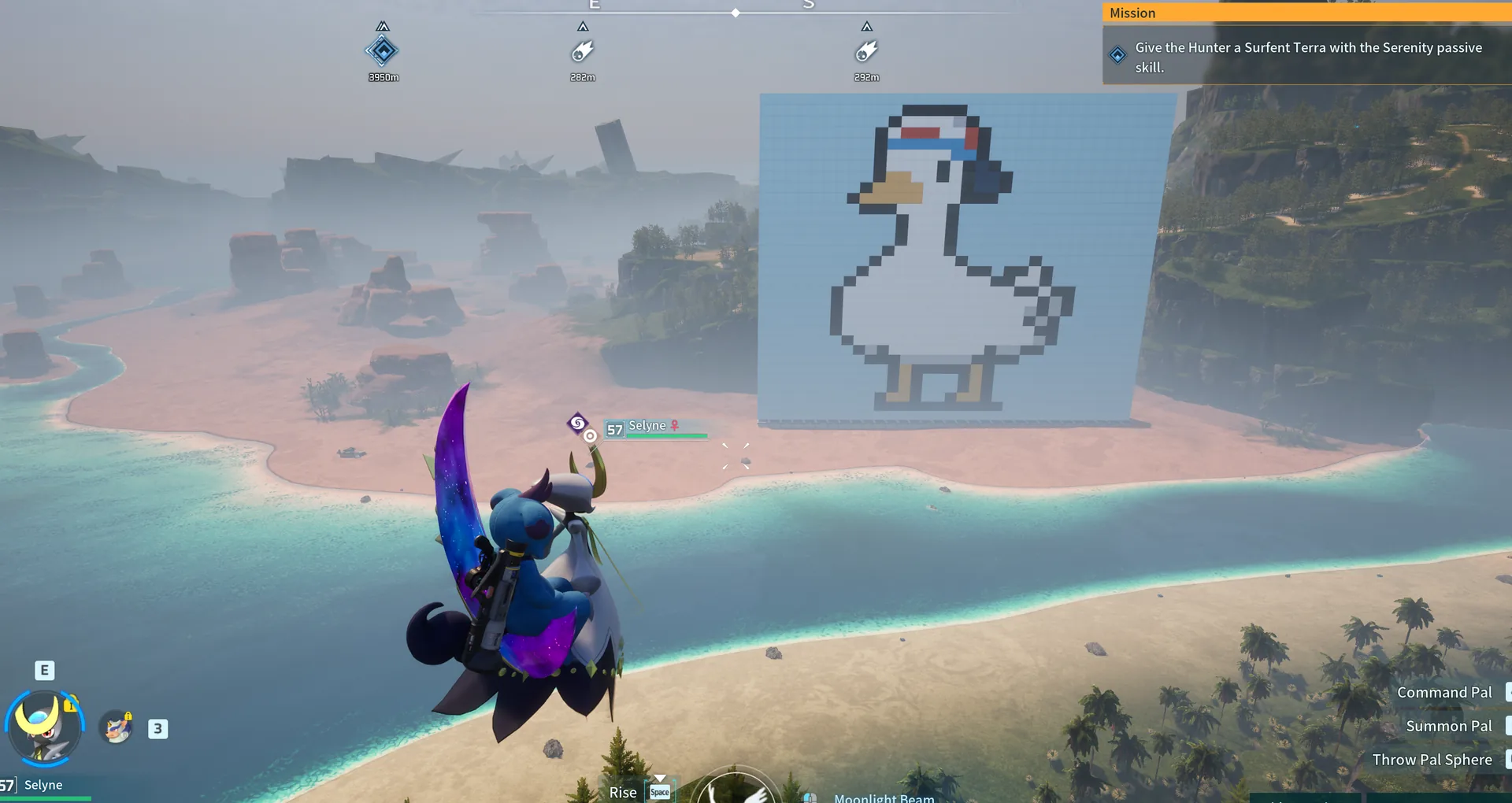
Before The Obsidian Meridian, I had already been messing around with giant painted-wall builds in Palworld. The wall-painting update made me realize I could treat walls like pixels, so I started putting huge images out in the world just to see how far I could push it.
At first it was just fun builds and random ideas. Then it turned into, “wait, I can make these big enough to become actual landmarks on the map.”
The Obsidian Meridian came from that same idea, but the text was too big to wing it by eye. That is where the Python grid came in.
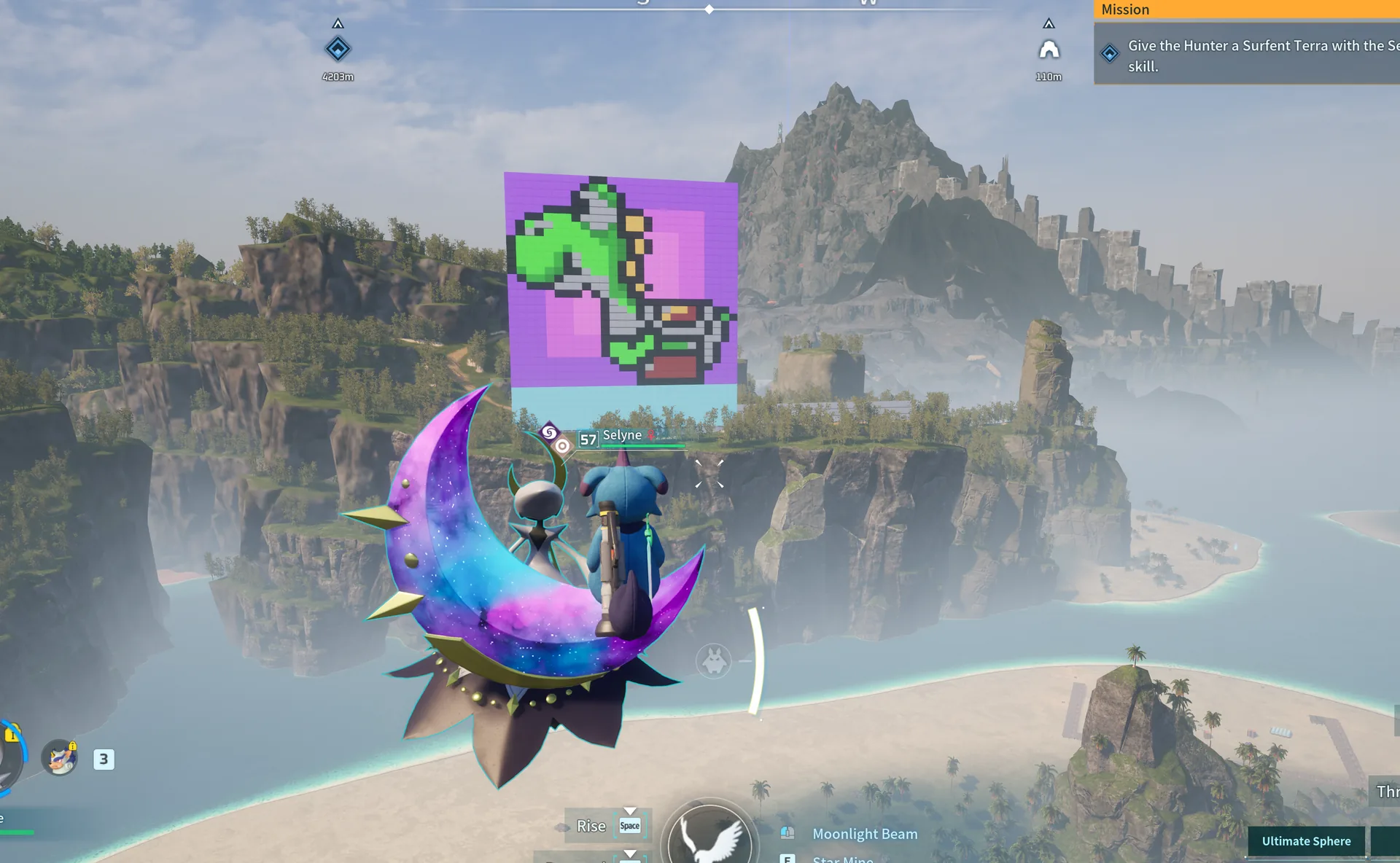
One Wall Piece = One Pixel
The simple rule
The main idea was simple: one wall piece in Palworld equals one pixel in the design.
That meant the mural could be planned like a grid. If a square in the blueprint said a certain color, that wall piece in-game needed to be painted that color.
Once I had that relationship figured out, the build stopped being one huge guessing game and became something I could follow row by row.
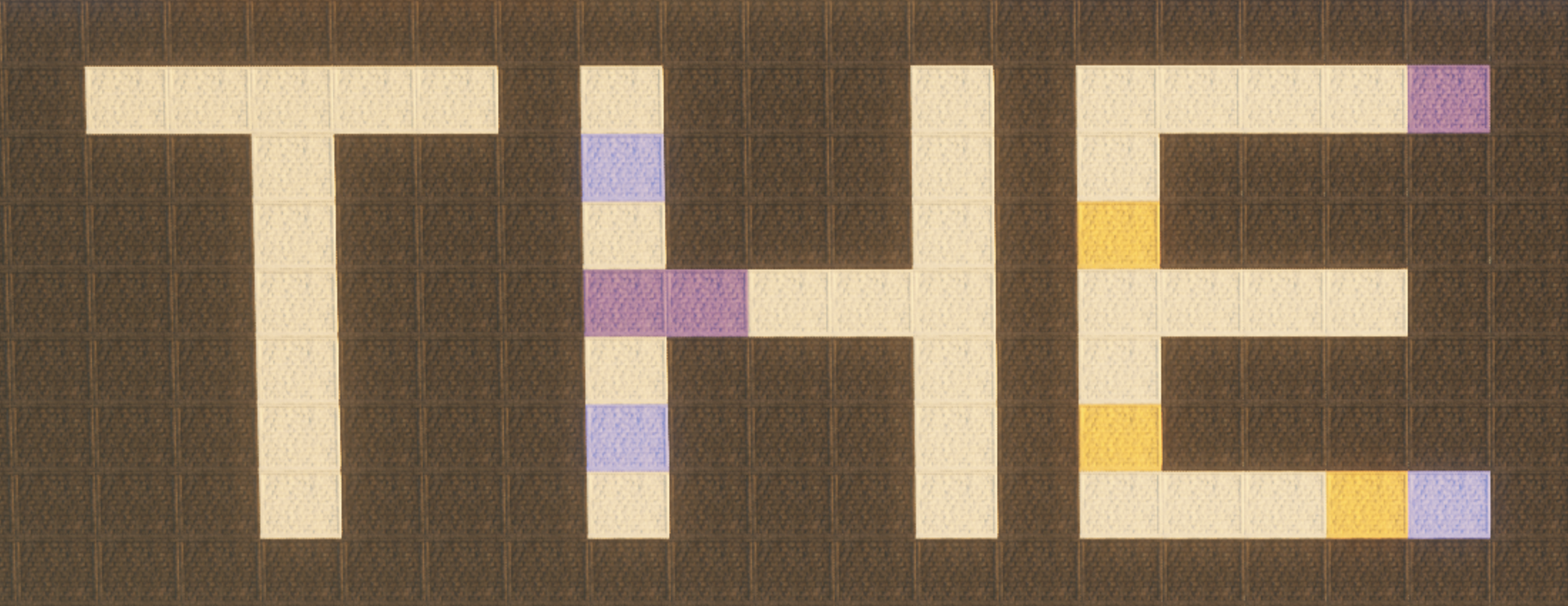
Python Grid / Blueprint
Taking the guesswork out
I used Python to turn the title into a block-by-block blueprint.
The script generated the layout for the 49×29 title panel, with each square in the blueprint matching one painted wall piece in Palworld. The letters were built from a reusable pixel-style font, then exported into a spreadsheet I could follow row by row.
The script gave me a blueprint that took the guesswork out of placing tiles.
The Actual Blueprint
The build artifact
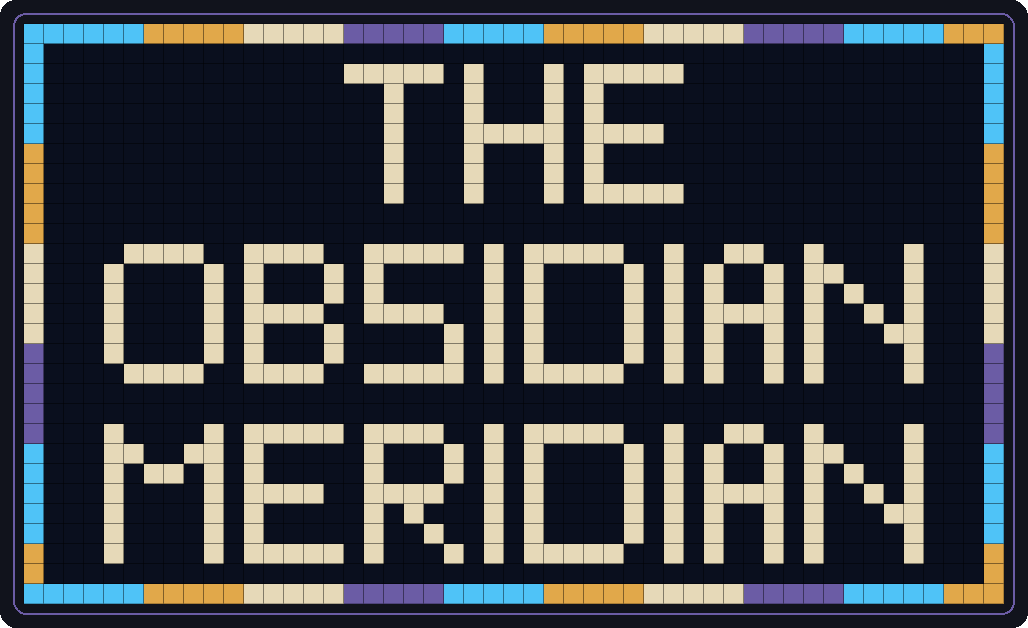
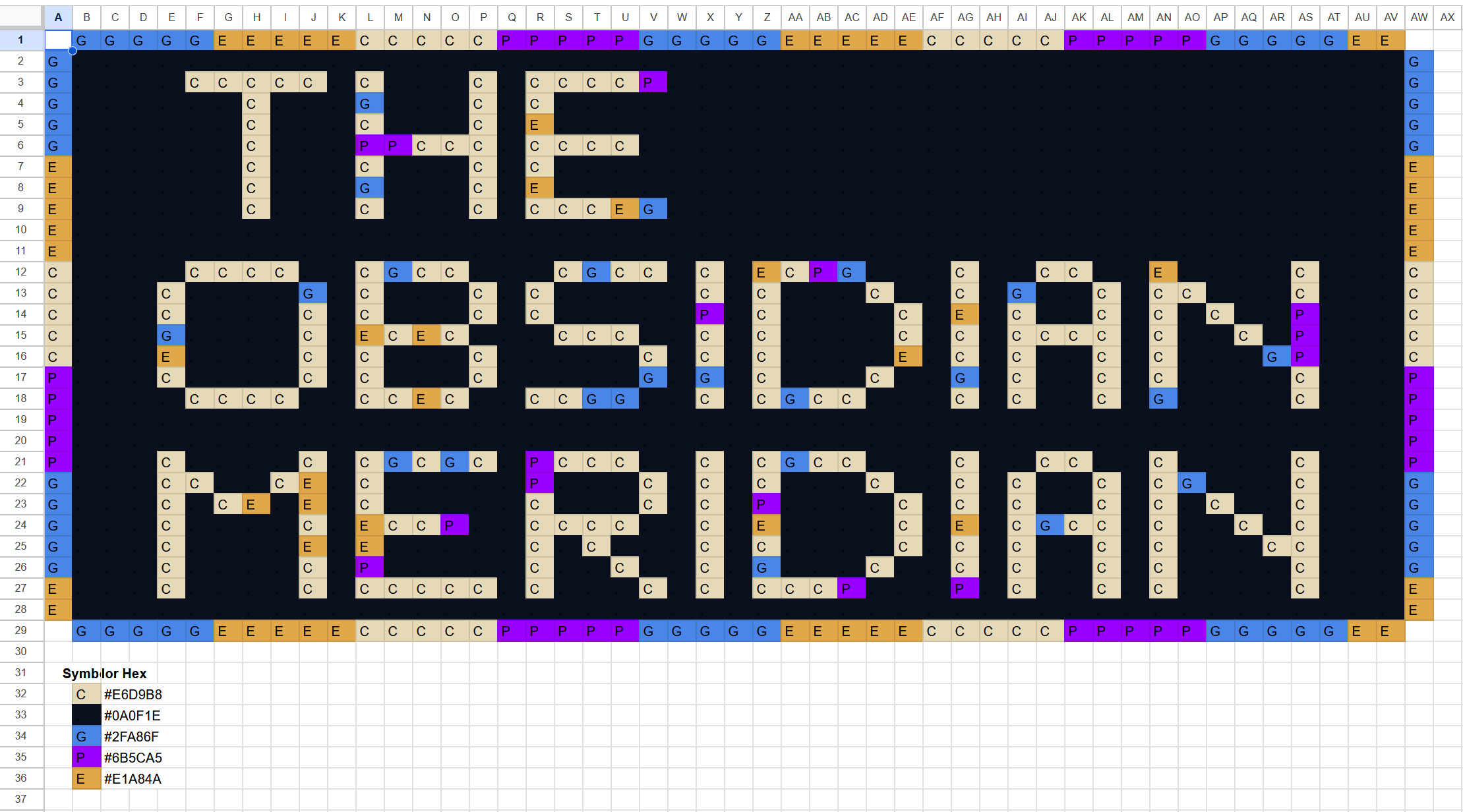
This is the actual blueprint that was generated and followed to build the mural in-game.
Each square represents one wall piece. Each letter in the square represents the color that wall piece needed to be painted. It is not a mockup or a recreated example; this was the working layout used during the build.
Panel size: 49×29
Letter height: 7 blocks
Letter spacing: 1 block
THE: rows 3–9
OBSIDIAN: rows 12–18
MERIDIAN: rows 21–27
Try the Blueprint
Make your own wall-piece grid
Type up to three lines and the generator will map them into the same 49×29 blueprint format I used for The Obsidian Meridian. Each square in the preview represents one painted wall piece in Palworld.
Live blueprint
Download the exact grid currently shown below.
Supported characters: A–Z, 0–9, spaces, and basic punctuation. Lines wider than 45 blocks are left out of the preview.
Final Palworld Build
Building it for real
The final build took several hours across planning, building, and painting.
I had to plan the dimensions for the artwork next to the title, build the full wall structure in Palworld, and then paint each wall piece based on the blueprint. The grid did not make that part instant, but it made the work possible to follow without constantly guessing where everything belonged.
What I Like About It
Dumb, useful, and very me
This is the kind of project I like because it sits right between being dumb and being useful.
It is a giant mural in Palworld, which is ridiculous. But the way I got there used real planning: grid logic, reusable letters, color symbols, coordinates, and a script that turned an idea into something I could actually build.